iOS app
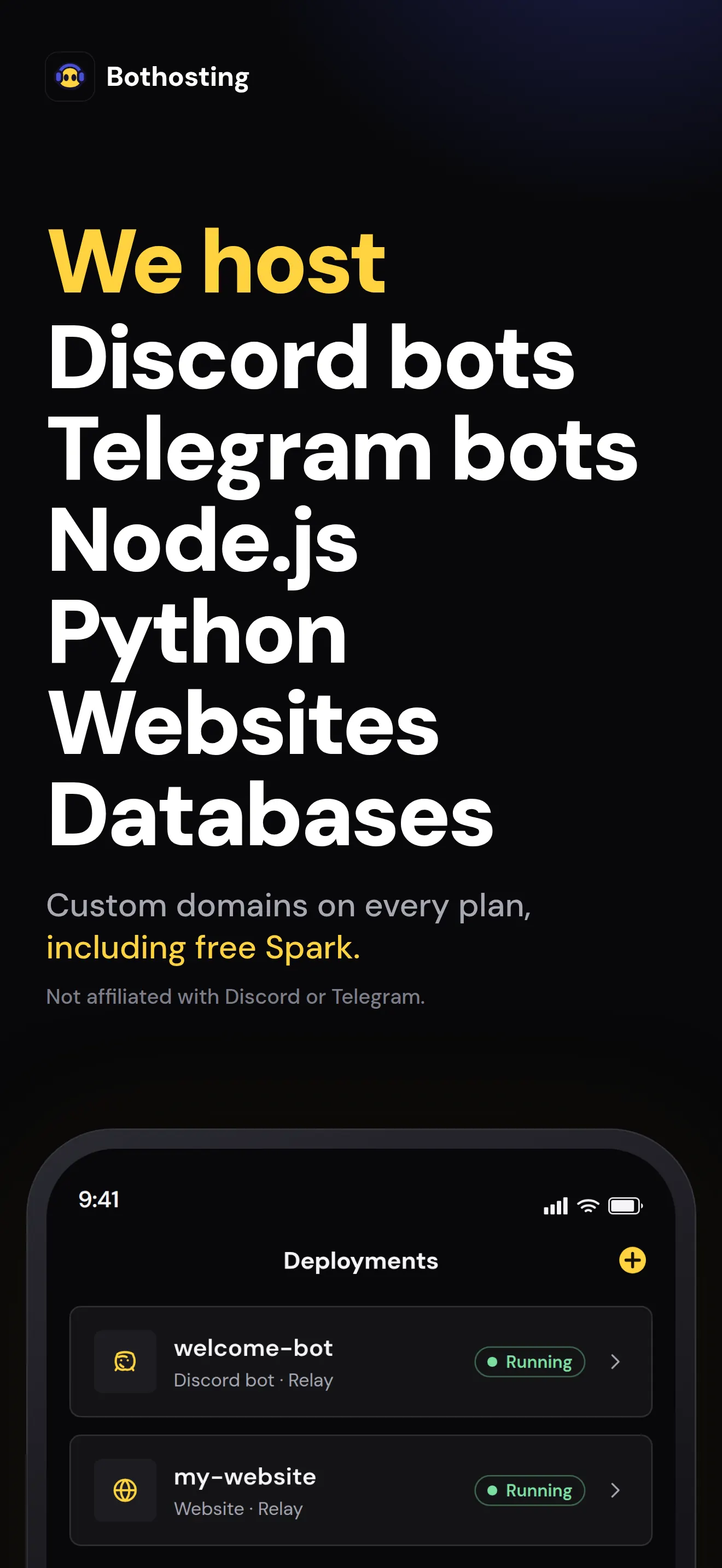
Bothosting on iPhone and iPad deploys and manages the same bots, websites, and databases as this website.
App Store screenshots
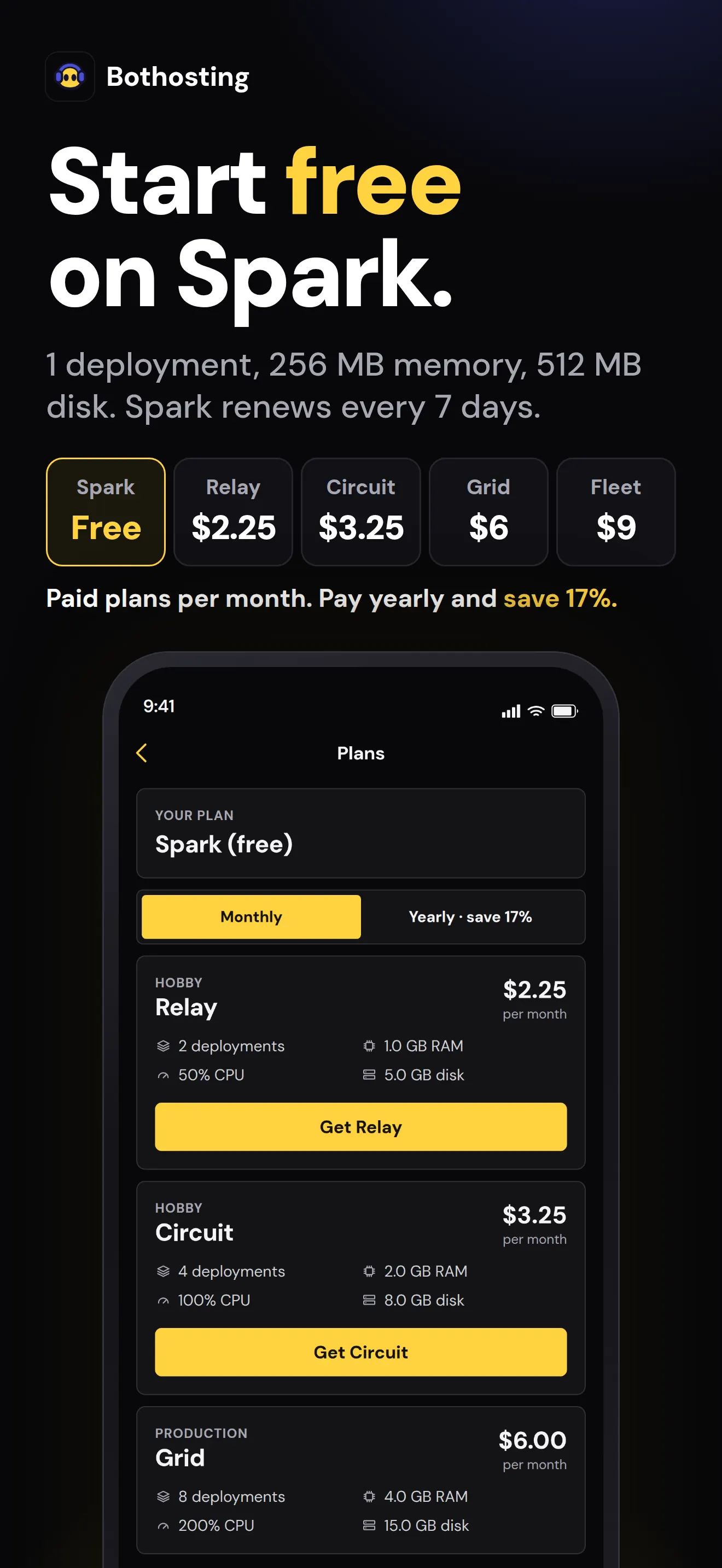
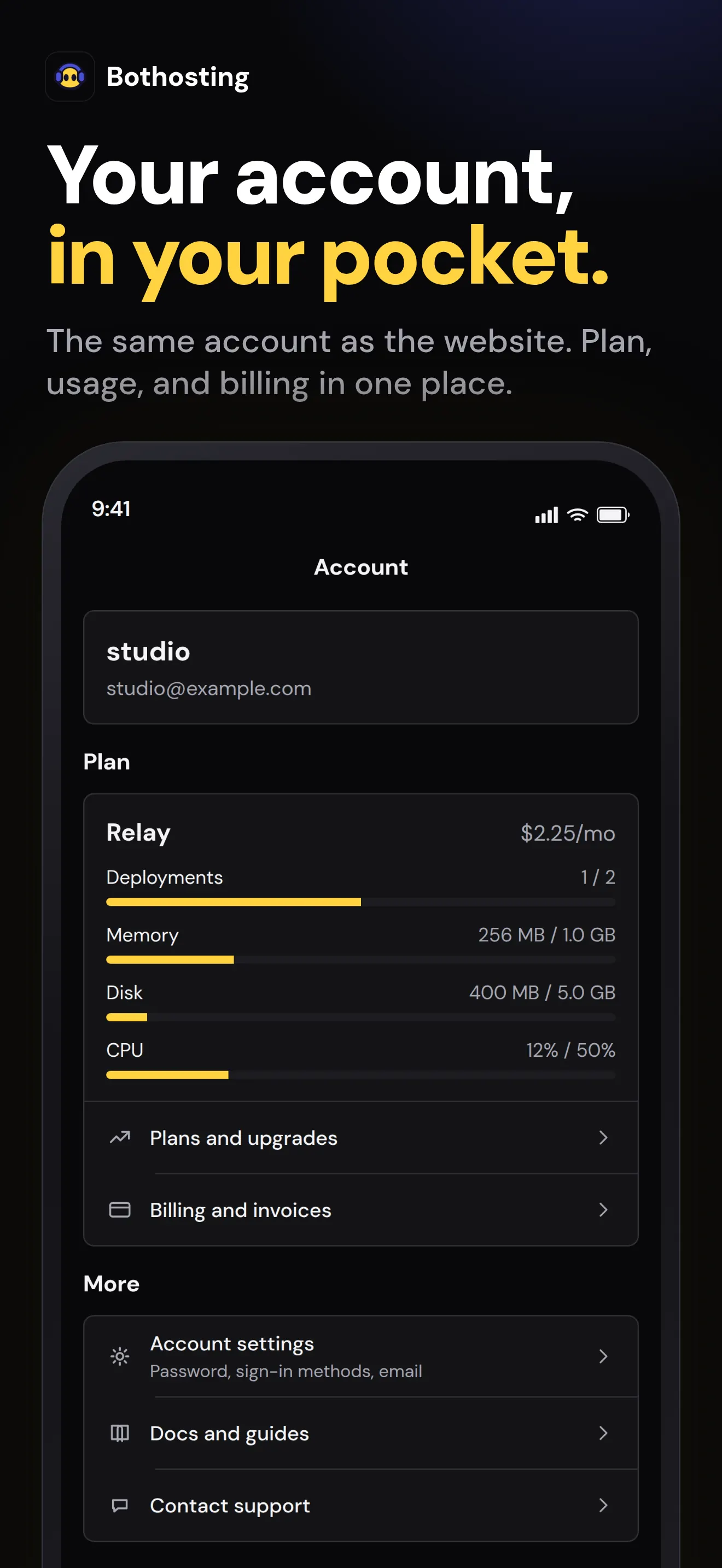
What the app does
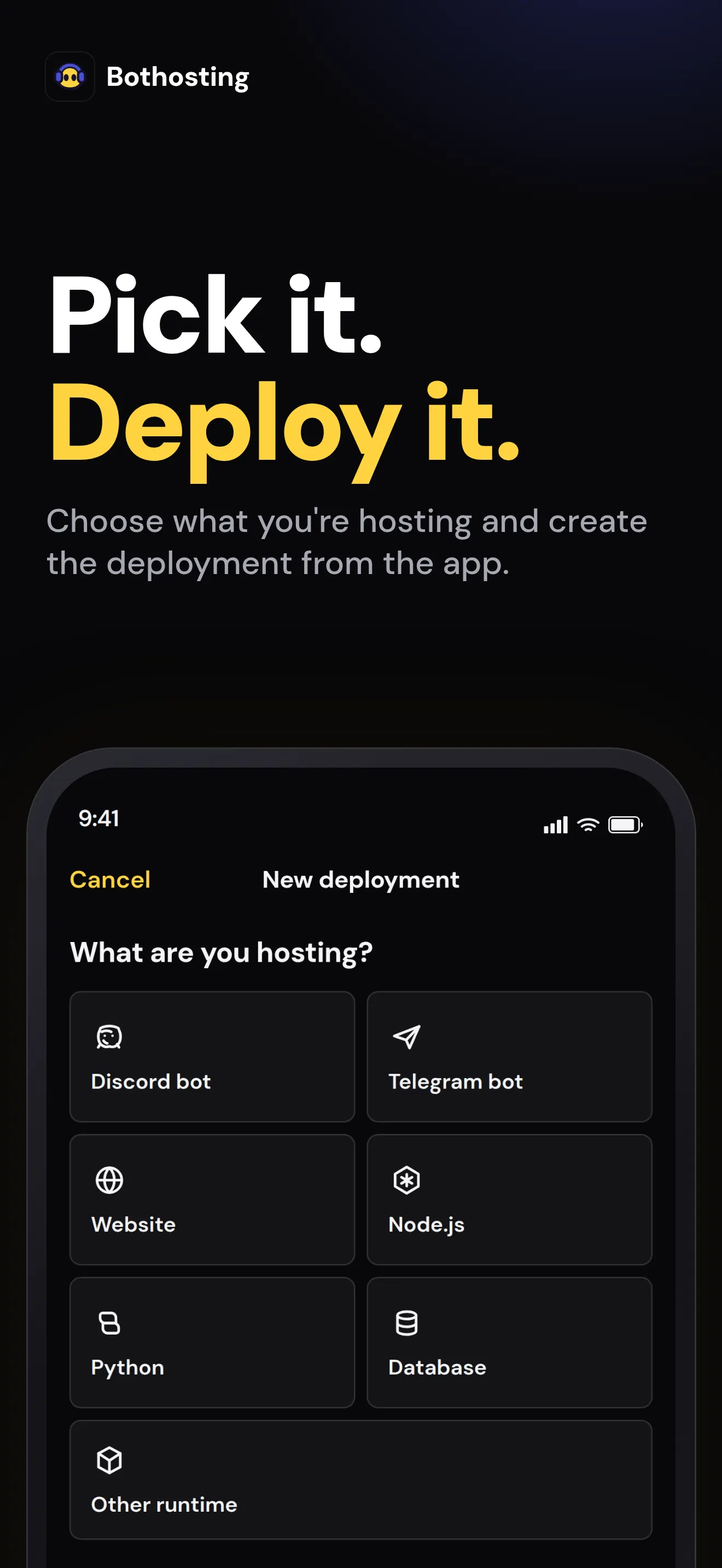
- Host a Discord bot, a Telegram bot, a Node.js app, a Python app, a website, or a database.
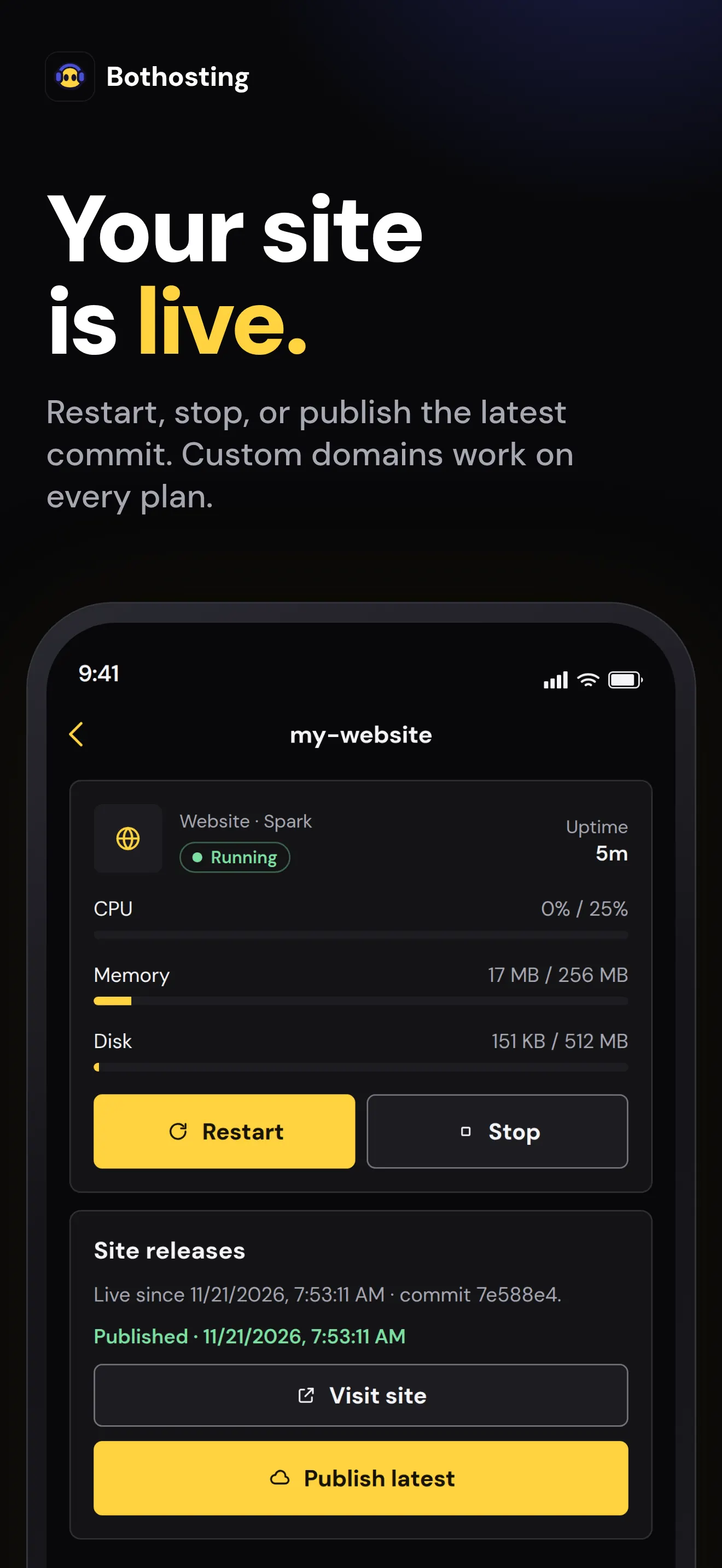
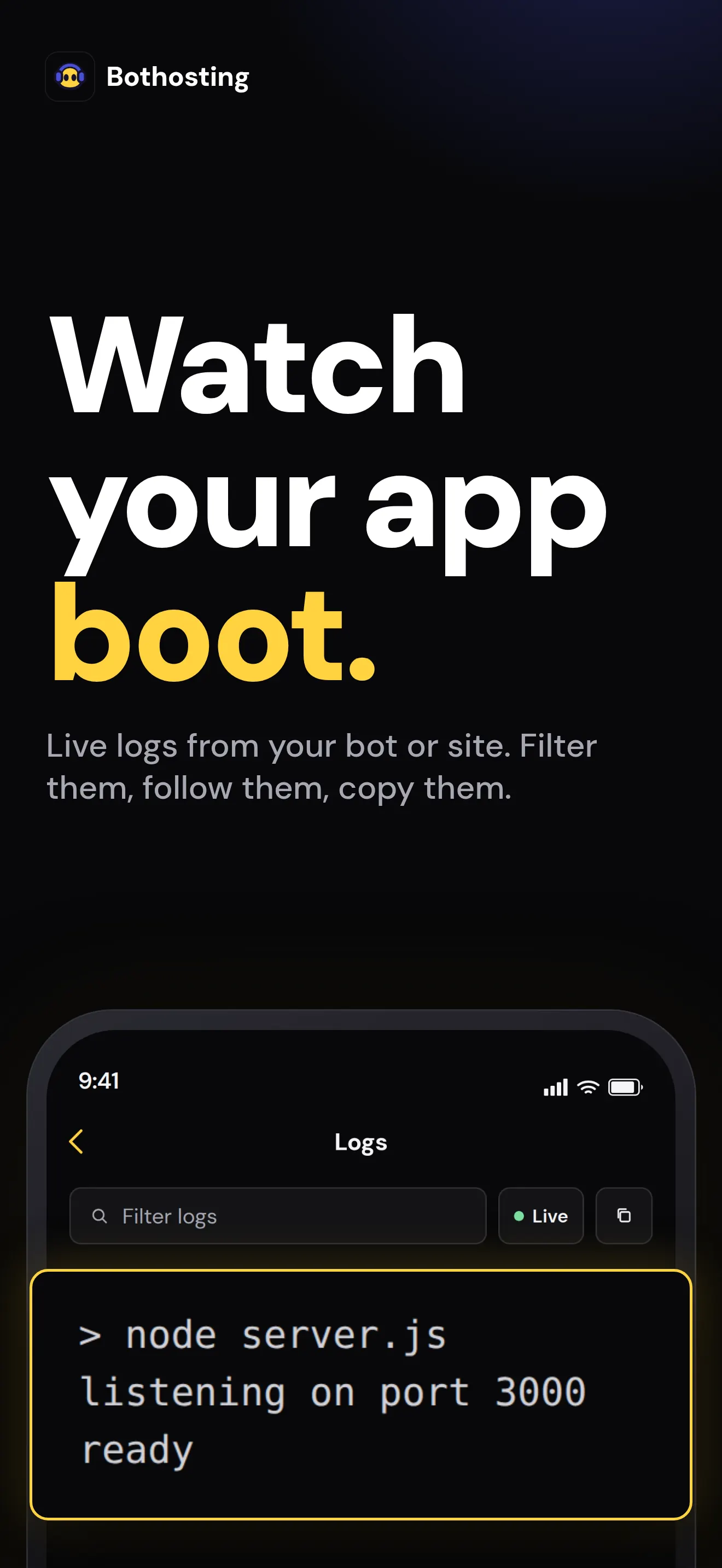
- Start, stop, and restart a deployment, and read its live logs.
- Edit files, set environment variables, and attach a custom domain. Custom domains are available on every plan, including free Spark.
- Use the same Bothosting account as this website. Sign in with email, Discord, Google, or Apple.
Plans
Spark is free: 1 deployment, 256 MB of memory, and 512 MB of disk. Renew it every 7 days. Relay, Circuit, Grid, and Fleet are the paid plans. Compare limits and prices.
Add yourself to the beta
The iOS app is a TestFlight beta. The public link on this page adds you. You do not send us an email, and you do not need an Apple developer account.
- Install TestFlight from the App Store.
- Open the join link on your iPhone or iPad and accept Bothosting.
- Install the app, open it, and sign in or create your Bothosting account.
TestFlight uses your Apple ID. The app then uses your Bothosting account. Those accounts can be different. A TestFlight build expires after 90 days. Install the next build from TestFlight when it does. Bothosting is not affiliated with Discord, Telegram, or Apple.
The public TestFlight link is not open on this page yet. When it is, the join button adds you.
On an Android phone, open the Android app page.